
Filter cards by price
You can now filter by price when browsing cards.
The filter is available across all the singles browse views: All Cards, shops and seller inventories, sets, and the printings for an individual card.
Enter a price range in Price, below the condition filters, and click Apply. Click Clear to remove it.
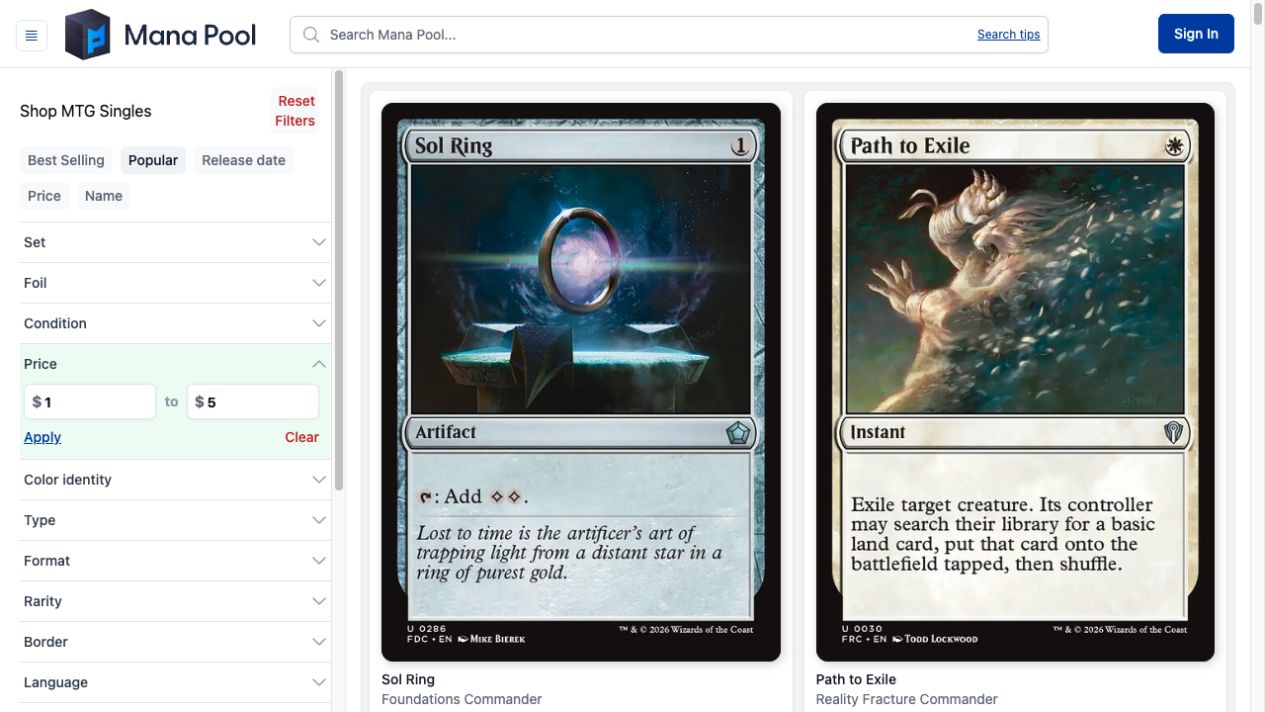
The All Cards page with a $1–$5 price range applied.