
A few updates for sellers
We’ve made a few updates to payout verification, address exports, and printing for sellers.
Payout verification
If Stripe needs more information before you can receive payouts, the payout page now lists what is missing. Click Continue to go to Stripe and provide it. If your information is still under review, we show that status and a link to support.
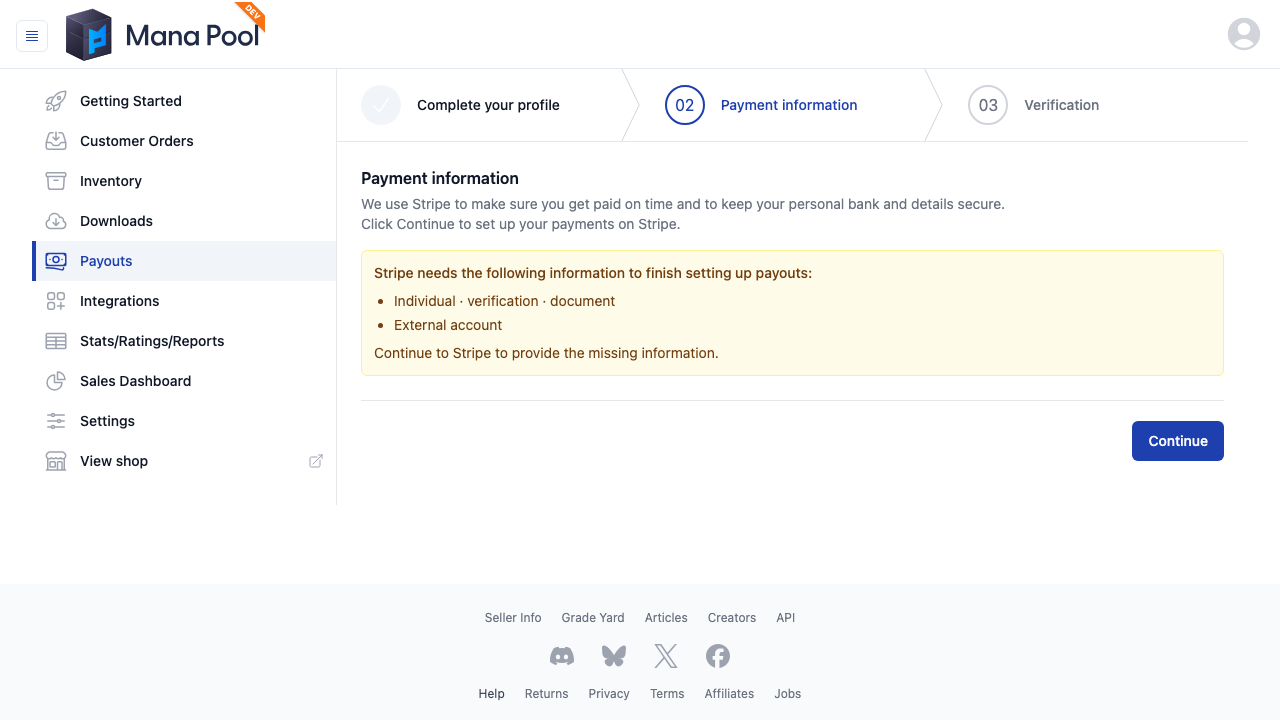
Screenshot with a test seller account.
Export shipping addresses
Select orders and choose Export → Shipping Addresses CSV to download the recipient names and addresses. This export just contains the address fields, without the order totals or item details.
Print thermal address labels
Address-only printing now has a 4×6 portrait thermal label option, along with the existing #10 landscape format. Choose your paper size and download the labels, with one address per page. These are address labels, not postage.

Packing slips use less ink
We removed the gray background fills from packing slips and switched to a grayscale logo and thin dividing lines. This applies to browser printing and downloaded PDFs; there’s no setting to change.
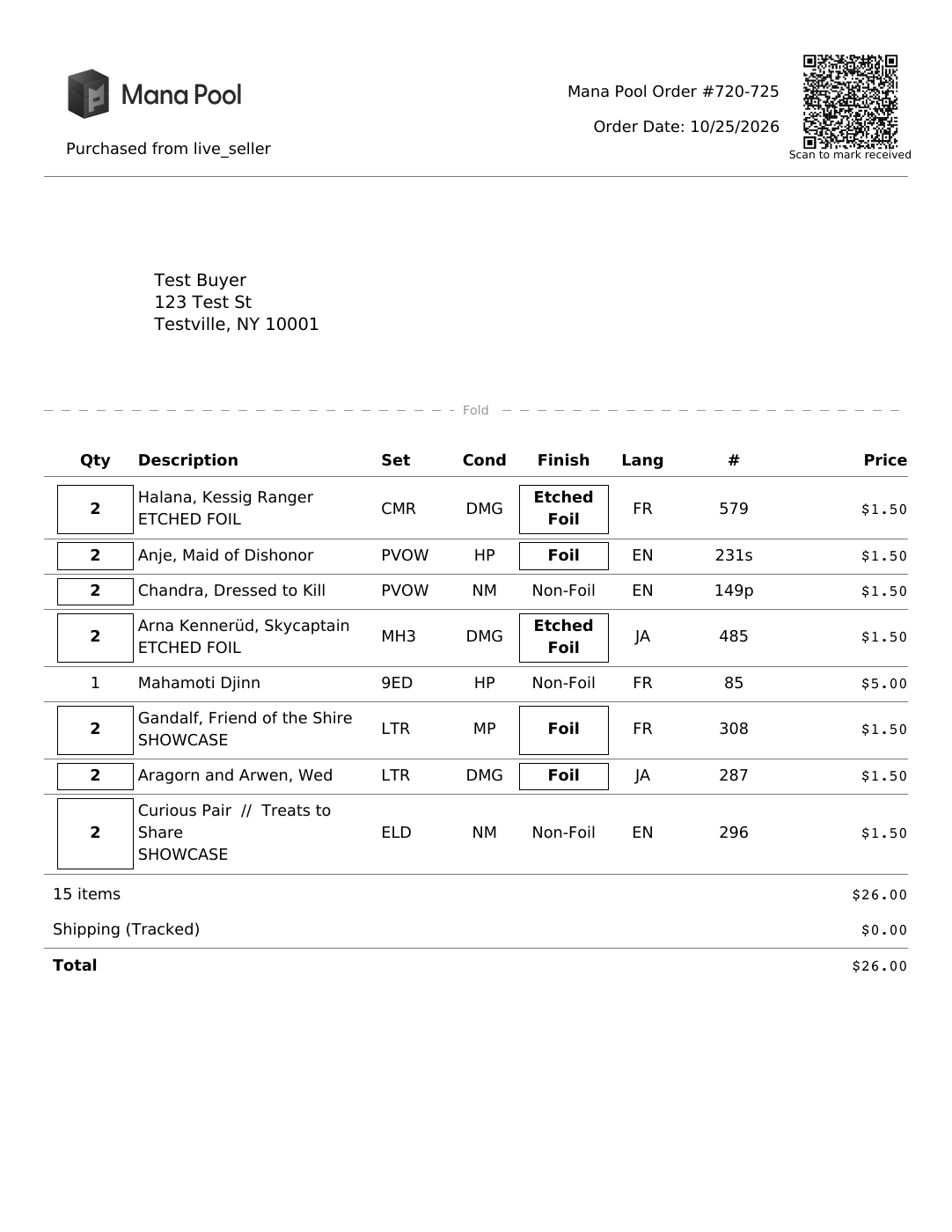
Packing slip with test order details.